

At several of the properties we manage, Expedia’s Automatic rate match was switched on in mid-April or mid-July 2026, and neither the hotels nor we agreed to it. Since then, we have seen Expedia sell their rooms a few euros below the other OTAs. If you sell on Expedia, check your extranet today.
What Automatic Rate Match Does
It adjusts your rates on Expedia Group sites to match the rates it finds for your property on other OTAs, such as Booking.com and Agoda, for the same room, rate plan and dates.
The name says match, but what we saw was undercutting: Expedia stayed a few euros below the other OTAs, and on some dates even below the hotel’s own website. We could not find which rate it was matching, and Expedia does not show it.
Why It Matters
Expedia’s Fight for Market Share
Expedia lost almost a quarter of its share of European OTA bookings between 2019 and 2021, and in 2025 it was only just back above its 2019 level. Booking.com’s group still holds more than two thirds. The quickest way to win guests back is to be a few euros cheaper, and rate matching does that at your expense.
Rate matching is one lever. Member discounts and stacked promotions are the others; see what Expedia’s Member Only Deals and stacked discounts cost you.
Where to Find It
In Expedia Partner Central, open Rooms and rates (1), then Automatic rate match (2).
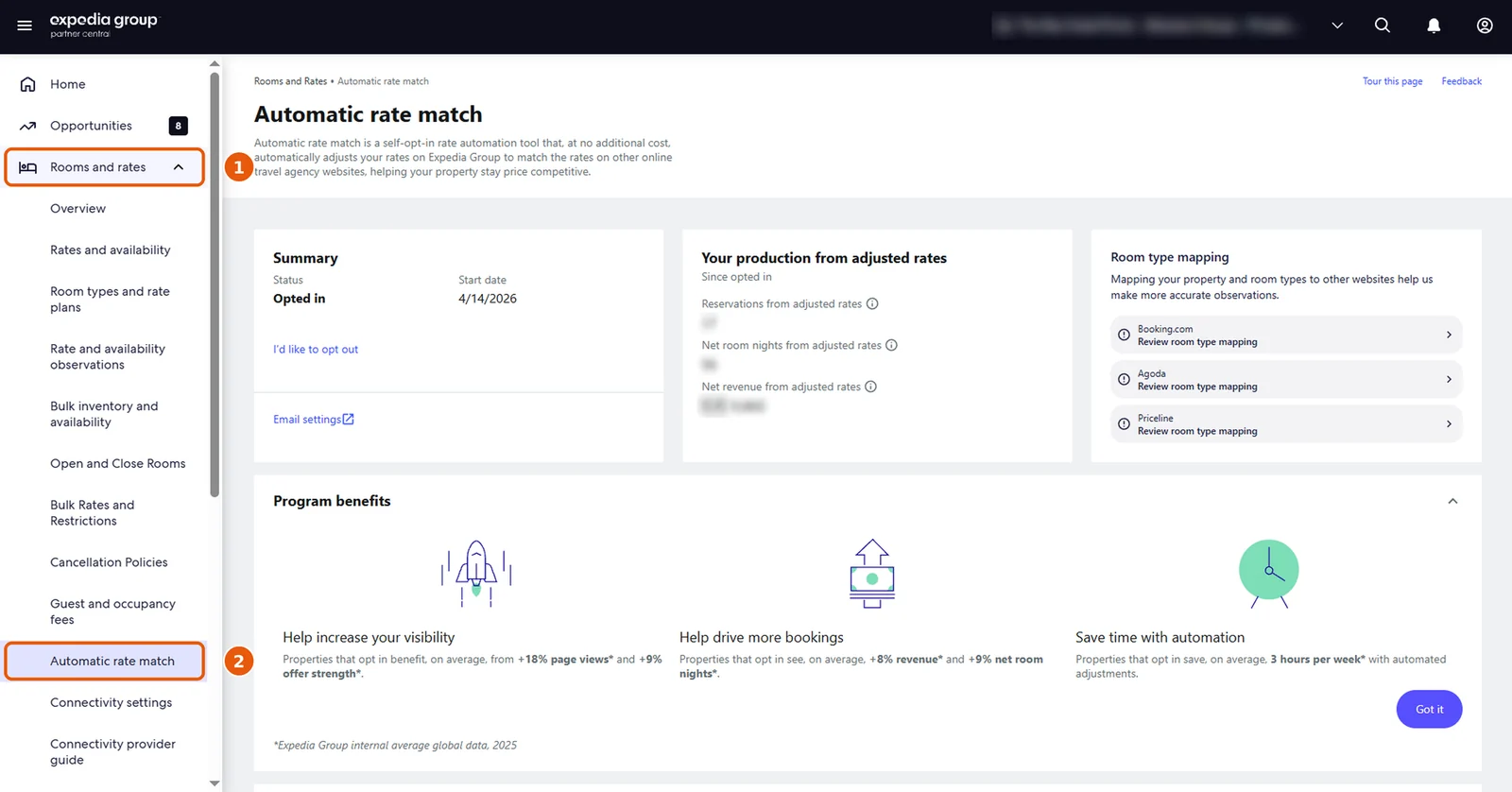
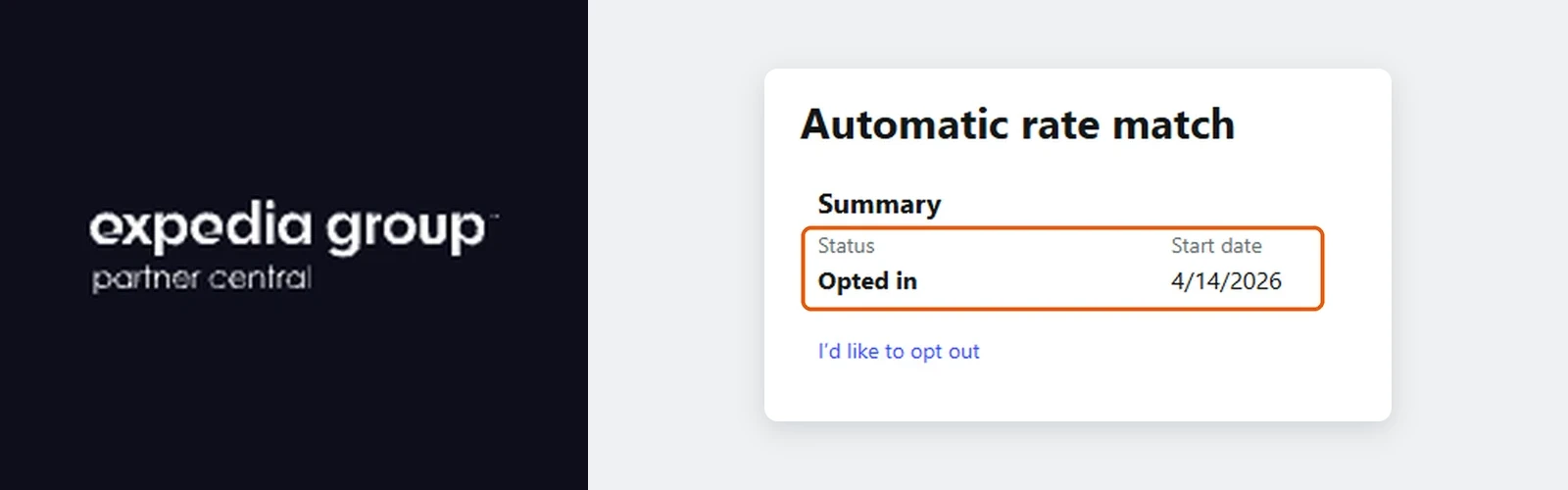
Opted in means it is on, and the start date shows since when. To switch it off, click I’d like to opt out.
What We Recommend
Your prices are your decision, not an OTA tool’s. Checking extranet settings like these is part of our Online Distribution Management. Not sure what is switched on in your extranets? Book a free Performance Assessment Call.